A Step-by-Step Guide to Creating Your Own Radio Show

Launching a radio show may seem daunting at first, but with a solid plan, it becomes an enjoyable and fulfilling project. Whether you’re eager to showcase your favorite music, dive into current events, or host engaging interviews, creating a radio show offers a unique way to connect with listeners. This guide provides simple, actionable steps to help you start your own show confidently.
Choose Your Show’s Theme and Format
Before you start recording, decide what your show will focus on. Your theme sets the atmosphere and attracts listeners who share your interests. Popular themes include:
- Specific music genres like jazz, rock, or indie
- Talk shows about movies, sports, or current events.
- Storytelling or audio dramas
- Interviews with experts or local personalities
Next, determine your format. Will your show be live or pre-recorded? How long will each episode last? Common formats include:
- Weekly 30-minute episodes
- Daily 10-minute updates
- Monthly in-depth features
A clear theme and format will keep you organized and make planning your radio show much easier.
Gather Your Equipment and Software
You don’t need high-end gear to begin, but clear audio makes a noticeable impact. Here’s what you’ll want:
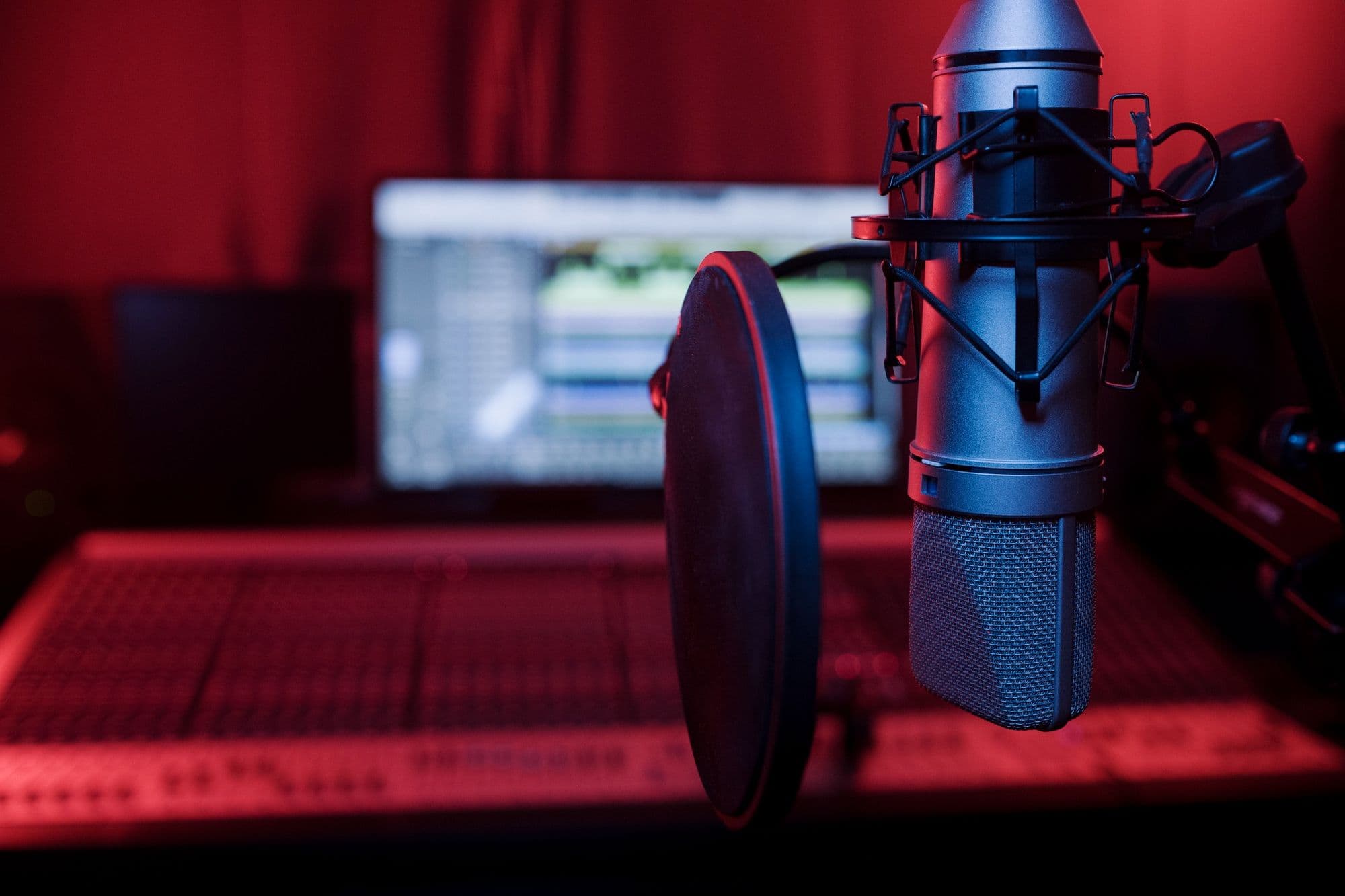
- Microphone: A USB microphone is cost-effective and simple to set up.
- Headphones: Useful for monitoring your audio and preventing feedback.
- Computer: Needed for recording and editing your show.
- Recording software: Free programs like Audacity or GarageBand are excellent choices.
- Broadcast platform: Consider platforms such as Mixlr, Spreaker, or podcast hosts for on-demand listening.
Choose a quiet room to record in, and use soft furnishings to help absorb echoes. Always test your equipment beforehand to ensure your audio sounds crisp and clear.
Plan Your Content and Script
A successful show starts with a plan. Create an outline for each episode to maintain a smooth flow. While you don’t need a full script, having bullet points or a general outline will help you stay organized and sound more natural.
Be sure to include:
- An introduction and welcome
- Main topics or segments
- Music or sound effects
- Closing remarks and a call to action, such as encouraging listeners to follow or send feedback
If you’re hosting a music show, plan which tracks you’ll feature and your commentary on each one. For talk shows, prepare questions or discussion topics ahead of time.
Record and Edit Your Show
When you’re set, begin recording your episode. Speak clearly and energetically to maintain your audience’s interest. Don’t stress over small mistakes-you can always edit them out afterward.
Editing allows you to:
- Cut out awkward pauses or errors.
- Add in music, jingles, or sound effects.
- Adjust audio levels to ensure consistent quality.
Take your time to create a final version that sounds professional yet natural. If you’re new to editing, consider watching online tutorials or asking friends with experience for advice.
Publish and Promote Your Show
After your episode is finished, upload it to your selected platform. For live broadcasts, schedule your show in advance and share the link with your audience to ensure seamless viewing.
To expand your listenership:
- Share your show on social media and in relevant online communities.
- Encourage friends and family to listen and help spread the word.
- Interact with your audience by replying to comments or emails.
- Collaborate with other creators or invite guests onto your show.
Staying consistent with your schedule is important-this helps listeners know when to tune in and builds loyalty over time.
Muhd